ModelMuse has a DISV Quality Metrics Dialog Box that can help you locate problematic areas in a DISV grid. The dialog box, calculates the angles of the connections between cells to the boundary between cells and the deviation between the midpoint of the boundary and the location where the connection between cells crosses the boundary. You can also create a data set with Min_Crossing_Angle or Min_Crossing_Fraction as the default formula, and then color the grid with that data set to visualize where problematic cells are located.
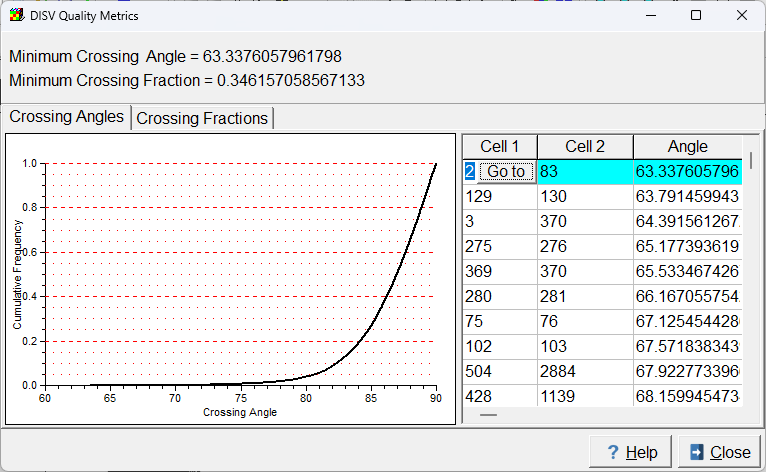
Screen capture of the DISV Quality Metrics dialog box.
