The next steps are to run the PRT model and plot the tracks from it.
Select File|Export|MODFLOW 6 input files. After MODFLOW has finished running, select Data|Data Visualization and select PRT Tracks from the list on the left. Click the button in the PRT Track file edit box and select the .trk file created by MODFLOW. Then click the Apply button.
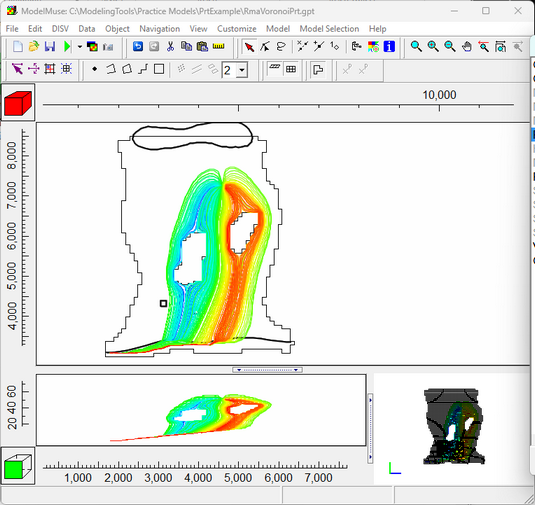
Screen capture of the main ModelMuse window with the tracks from the PRT model plotted.
